

A monthly expense report template is a necessary tool, but it only addresses the final step. The real challenge—and the source of most frustration—is gathering the data before you open that spreadsheet. It’s the end-of-month scramble, digging for faded thermal receipts from a taxi in Frankfurt or a PDF invoice buried in your inbox. This tedious process wastes time, and no template alone can fix it.
Why Your Current Expense Reporting Process Fails
For most professionals, compiling monthly expenses is an inefficient administrative task. It drains time and creates financial risk, whether you're a consultant at a major firm, a freelancer managing VAT, or a sales representative on the road. A template provides structure, but it doesn't solve the chaotic data collection that precedes it.
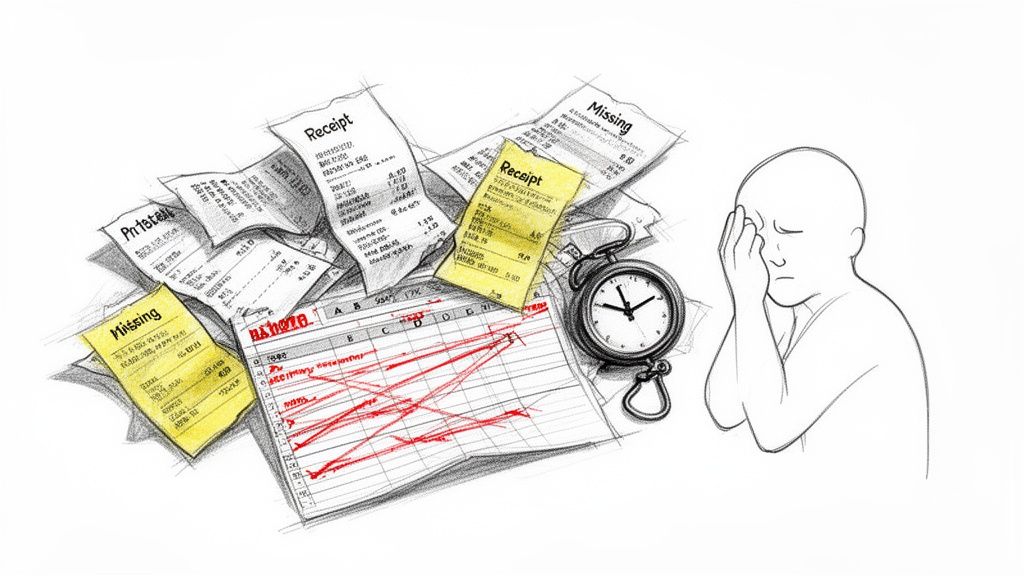
The problem begins at the point of purchase. That crumpled receipt for a client coffee in Singapore, the faded print from a taxi in Munich, or the PDF invoice buried under 200 emails—each is a point of failure in a manual system.
The True Cost of Manual Expense Tracking
These are not minor inconveniences; they have direct financial consequences for business consultants, frequent travellers, and self-employed professionals across Europe, the US, and Asia.
- Missed Reimbursements: A lost receipt for a £150 business dinner means that money comes directly from your own pocket. For sales reps and field workers accumulating dozens of transactions, these losses add up quickly.
- Wasted Billable Hours: For a lawyer or consultant, every hour spent deciphering three-week-old receipts is non-billable. Manually entering dates, vendor names, and VAT amounts is low-value work that kills productivity.
- Compliance and Audit Risks: For freelancers in the DACH region or professionals in regulated industries, incomplete records are a serious liability. A missing "business purpose" or a miscalculated VAT can lead to disallowed deductions and trigger a tax audit.
- Friction with Accounting: The Friday afternoon email exchange with the finance department over a missing receipt is a familiar scenario. It delays reimbursement and creates unnecessary work for both parties.
The core problem is that manual expense reporting is always retrospective. It forces you to reconstruct a month's spending from a fragmented paper trail. Errors and omissions are almost inevitable.
Ultimately, a monthly expense report template is only as good as the data entered into it. The goal isn’t to fill out a spreadsheet; it’s to eliminate the shoebox of receipts. This requires capturing expense data at the source, ensuring every legitimate claim is recorded accurately and ready for submission without a last-minute panic.
Manual Expense Reporting vs. an Automated System
The inefficiency of a manual process becomes clear when compared to a modern, automated approach.
| Feature | Manual Template (Excel/Sheets) | Automated Tool (e.g., Bill.Dock) |
|---|---|---|
| Data Entry | 100% manual typing. | Automated AI receipt scanning populates fields. |
| Receipt Management | Physical receipts must be stored, organised, and attached. | Digital. Snap a photo and discard the paper. |
| Accuracy | Prone to typos, calculation errors, and forgotten entries. | High (95%+). AI extraction reduces human error. |
| Time per Report | Hours per month for high-volume travellers. | Minutes. Work is done in real-time. |
| Compliance | Dependent on user knowledge of policies and tax rules. | Built-in rules, automatic policy checks, VAT support. |
| Submission | Manual. Emailing spreadsheets back and forth. | Integrated. Submit and approve within the system. |
While templates are free, they carry hidden costs in lost time, errors, and compliance risks. Tools like Bill.Dock, a mobile-first alternative to complex enterprise systems like SAP Concur or Expensify, are designed to eliminate these hidden costs for individuals and small teams.
Download and Customise Your Core Expense Template
An effective monthly expense report begins with a functional template. We have developed several versions tailored to specific professional needs.
Select the template that best fits your role:
- Simple Employee Template (Excel | Google Sheets | PDF): For straightforward reimbursement claims with essential fields.
- Detailed Freelancer Template (Excel | Google Sheets | PDF): Includes dedicated columns for tracking VAT, critical for tax filing and deductions in Europe (DACH, UK), Australia, and Singapore.
- Project-Based Consultant Template (Excel | Google Sheets | PDF): Designed to allocate billable and non-billable expenses against specific client or project codes.
Getting the Essential Fields Right
Every column in your template serves a purpose, particularly for audit and accounting reviews. Understanding these core components is key to a clean report.
Date: The date of the transaction, not the statement date. It must match the receipt.
Merchant: The full, official vendor name (e.g., Deutsche Bahn, Starbucks, Amazon Web Services). Vague entries like "Taxi" are often rejected.
Category: Use a predefined list (e.g., Travel, Meals, Software, Office Supplies) for consistency and easier year-end analysis.
Amount & Currency: Record the exact amount in the original transaction currency. Use a separate column for the currency code (e.g., EUR, GBP, JPY, USD).
VAT/GST/Sales Tax: For freelancers or businesses in jurisdictions like the UK, EU, or Australia, this column is mandatory for reclaiming value-added tax.
Business Purpose: This is where most expense claims fail. "Lunch" is insufficient. "Client lunch with John Smith (Acme Corp) to discuss Q4 logistics" provides the necessary context for compliance.
A well-structured template doesn’t just list figures; it provides a clear narrative for each expense. An auditor should be able to look at any line item and understand the what, where, when, and why without further questions.
Making Your Template Work for You
A few customisations in Excel or Google Sheets can prevent common errors.
Use the Data Validation feature to create a dropdown menu for the 'Category' column. This enforces consistency and eliminates ambiguous entries.
Simple formulas are essential. Use =SUM() to calculate totals for each category and a grand total. For mileage, a formula like (End Mileage - Start Mileage) * Rate automates the calculation, ensuring accurate claims.
Even with these improvements, manual data entry remains the primary source of errors. The template is a container; the challenge is populating it with accurate, timely data.
For a broader view of month-end financial tasks, this definitive month-end close checklist template offers a useful framework.
How to Fill Out Your Expense Report for Flawless Accuracy
A good template is only the beginning. The key to an accurate monthly expense report is not a marathon data-entry session at the end of the month, but capturing transaction details at the moment they occur.
This habit eliminates the last-minute search for a crumpled receipt and ensures every claim is accurate and defensible.
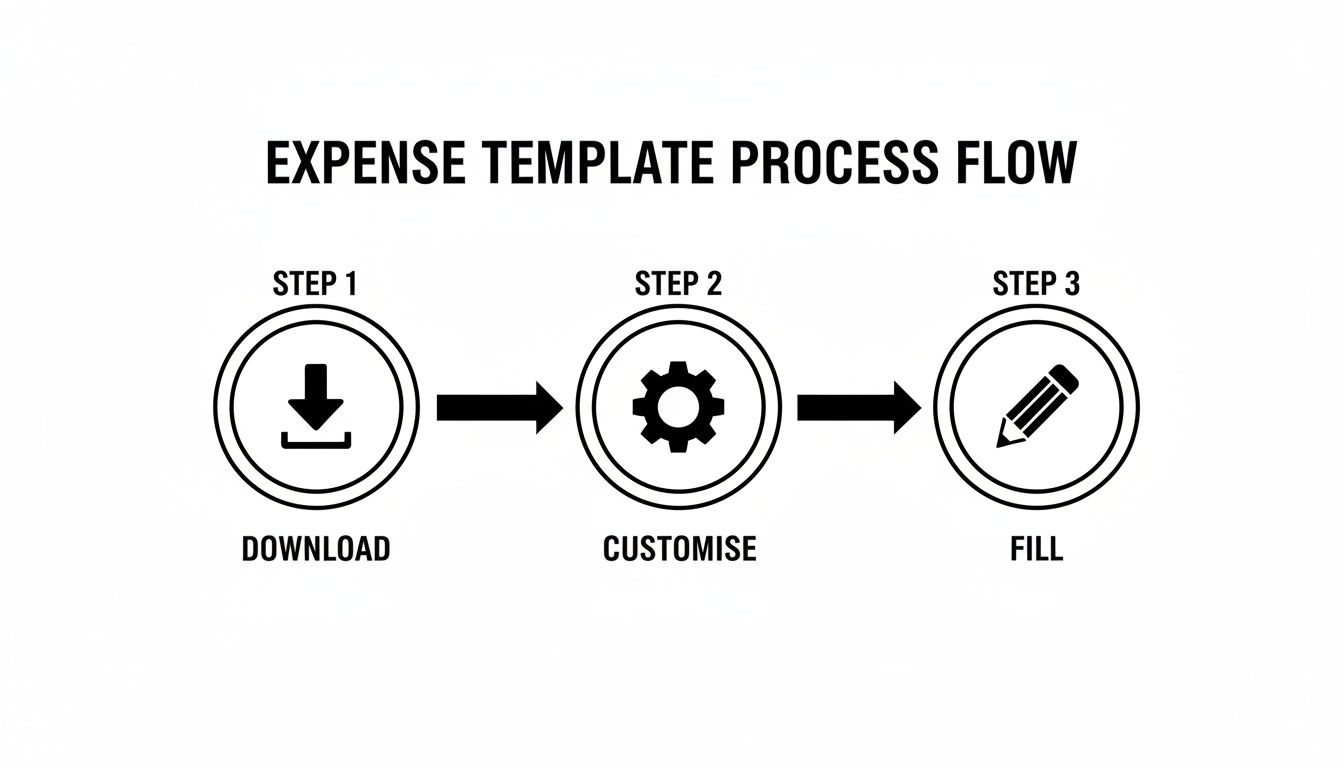
The template is the tool; the process of filling it ensures accuracy.
Getting Your Categories Right for Tax and Compliance
Correct expense categorisation is non-negotiable. It is the difference between a clean, deductible expense and a query from your accountant or tax authorities.
For example, "Meals" and "Client Entertainment" are treated differently by tax laws. A solo lunch while travelling for business is a meal. Taking a client to dinner to discuss a contract is entertainment and requires more detail—such as attendees and business purpose—to be compliant.
For a deeper analysis of this topic, see our guide on how to organize receipts for maximum efficiency.
Juggling Multiple Currencies and VAT
For professionals conducting business internationally, particularly in Europe, managing multiple currencies and Value Added Tax (VAT) is a significant challenge. A standard spreadsheet does not automate these conversions, requiring meticulous manual work.
Here’s the correct procedure:
- Multi-Currency: Record the expense in the currency of the transaction (e.g., CHF 55.00). In a separate column, note the exchange rate used for conversion to your home currency (e.g., EUR). This creates a transparent audit trail.
- VAT: A German-based consultant attending a conference in France will encounter different VAT rates. Your template must have a dedicated column to record the specific VAT amount and rate for each transaction to enable its reclamation.
Real-World Example: A consultant from Munich takes a client to dinner in London, paying with her company card. The bill is £120. Her expense report must show £120 as the transaction amount, "GBP" as the currency, and the final EUR amount based on the exchange rate from her credit card statement.
Why Digital Receipts are Non-Negotiable
The final, critical step is attaching a digital copy of the receipt to every line item. A spreadsheet entry is a claim; the receipt is the proof.
This simple action prevents back-and-forth communication with the finance department and creates an immediate, verifiable audit trail.
Common Expense Reporting Mistakes to Avoid
A good template does not prevent input errors. A few common mistakes cause most of the friction with finance departments or lead to lost deductions and audit issues for freelancers.
These are typically small oversights that compound into larger problems. Submitting a report a week late may seem minor, but it disrupts the accounting cycle and delays your reimbursement.
Let's review the most frequent pitfalls and how to avoid them.
Missing Receipts and Vague Descriptions
The primary reason for rejected expense claims is a lack of proof of purchase. This, combined with ambiguous descriptions, accounts for the vast majority of delays and time-wasting email correspondence.
From an auditor's perspective, an entry like "Lunch" provides no context. An audit-proof entry is fundamentally different.
Incorrect: "Lunch, €45.20"
Correct: "Client lunch with Jane Doe of XYZ Corp to discuss Q3 project goals, €45.20"
The second version answers why the expense was incurred, justifying it as a legitimate business cost. An expense without a receipt is merely a number on a spreadsheet; it is not verifiable.
The solution is simple: capture a photo of every receipt immediately. Waiting until the end of the month invites lost paper and faded ink.
Incorrect Categorisation and VAT Errors
Misclassifying expenses is a common mistake with significant tax implications. Categorising "Client Entertainment" as a "Meal" may seem trivial, but it can affect deductibility, especially in countries with strict tax codes.
Value Added Tax (VAT) errors are particularly costly for professionals doing business in Europe. A consultant from Germany attending a conference in France can often reclaim the VAT paid on accommodation. If not recorded correctly, that money is lost.
Many of these recurring issues are symptoms of a manual process. This is where a tool like Bill.Dock is designed to help. When you scan a receipt, its AI extracts the merchant, date, amount, and VAT with over 95% accuracy. A digital copy is automatically stored, creating a permanent link between the claim and the proof. It makes losing a receipt impossible.
Using AI Receipt Scanning to Automate Your Reporting
Even with the best template, manually logging expenses is a tedious, reactive process. For professionals who value their time, the logical next step is to automate the most labour-intensive part: data entry.
AI-powered receipt scanning is a practical tool available today. Applications like Bill.Dock eliminate the need to manually type vendor names, dates, or VAT amounts. You simply take a photo of a paper receipt or forward an email invoice, and the system processes the data.
A task that takes five minutes manually—finding the receipt, opening a spreadsheet, entering details, and saving a digital copy—is reduced to a ten-second action. This fundamentally changes expense management from a dreaded month-end task to a continuous, real-time process.
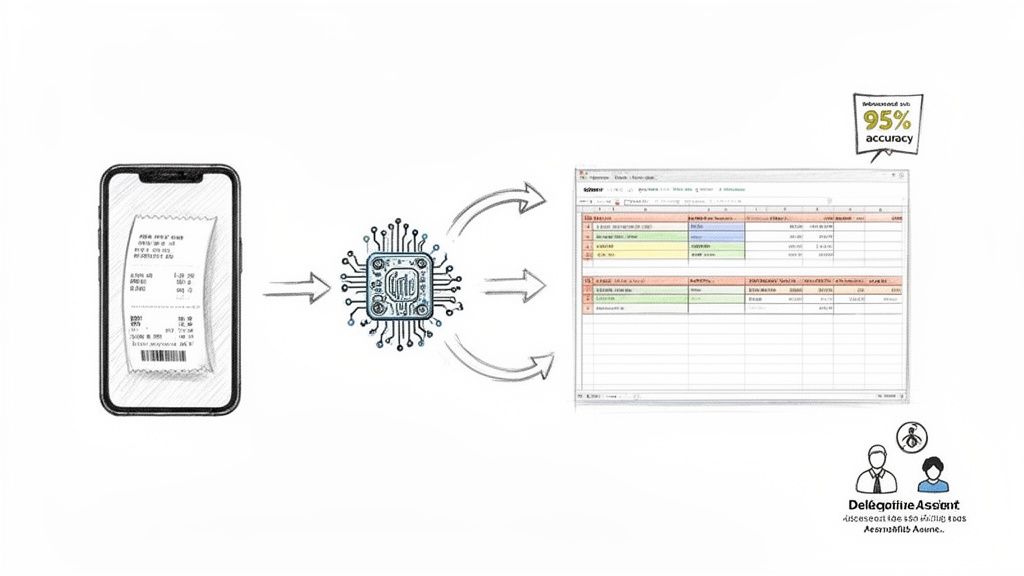
An automated system extracts and organises data, providing an immediate overview of your spending. Your focus shifts from data entry to financial analysis.
A Simpler Alternative to Enterprise Systems
While large corporations use complex enterprise systems like SAP Concur, Rydoo, or Spendesk, these platforms are often excessive for freelancers, consultants, and small teams. They are built for procurement departments, not for an individual who needs to track project expenses efficiently.
This is where a mobile-first tool excels. Instead of a clunky desktop portal, you manage everything from your phone. With 95%+ accuracy in data extraction, these systems capture critical information—including over 150 currencies and VAT—directly from the image. Bill.Dock is such a tool, providing a simple, fast solution for individuals.
With automation, your monthly expense report template is always current. The end-of-month scramble is eliminated because the report builds itself with each scanned receipt.
Collaboration for Consultants and Accountants
Secure delegate access is a valuable feature for busy professionals. A consultant can grant their personal assistant access to review and categorise expenses without sharing credentials.
Similarly, a freelancer can provide their accountant with direct, read-only access to a year's worth of organised digital receipts and data. This eliminates the "shoebox of receipts" and the time spent chasing information during tax season.
To learn more about automating your reporting, explore the best business expense tracking apps, many of which now include AI scanning.
Finalising Your Report for Reimbursement and Taxes
This is where diligent tracking provides its return. The final step is to refine your expense report into a clear document for swift reimbursement or seamless tax filing.
For employees submitting to a manager, the final task is reconciliation. Verify that the total on your spreadsheet matches the sum of all attached receipts. The goal is a simple PDF summary that can be approved without questions.
From Reimbursement to Tax-Ready Data
For freelancers and business owners, this report is a critical financial record. Your accountant does not want a PDF summary; they require raw, structured data.
Export your report as an Excel or CSV file. This allows your tax advisor to import the data directly into their accounting software (e.g., Lexware), saving them time and you money. A complete submission includes this file and a ZIP folder of all clearly named digital receipts.
Handling Local Compliance Requirements
In regions like Germany, Austria, and Switzerland (DACH), local tax laws such as GoBD in Germany are extremely strict. Accountants often work with specific software like DATEV.
A standard Excel template cannot produce a DATEV-compatible file. This is where basic spreadsheets reach their limit and specialised tools become necessary.
An automated system bridges the gap between raw expense data and a compliant, file-ready report. Bill.Dock, for instance, operates on GDPR-compliant EU servers in Frankfurt and can generate GoBD-compliant reports and data exports, delivering exactly what a German tax advisor requires. Its pricing starts at €59/year.
This final step completes the expense reporting cycle. Whether using a detailed template or an automated system, the objective is a complete, compliant report that requires no follow-up. For more on creating a digital workflow, see our guide to paperless accounting software.
Ready to move beyond spreadsheets and shoeboxes of receipts? Bill.Dock uses AI to automate the entire expense reporting process, from receipt scanning to generating tax-ready exports. Start your 30-day free trial today—no credit card required.